Set your availability
Where do I set my working hours?
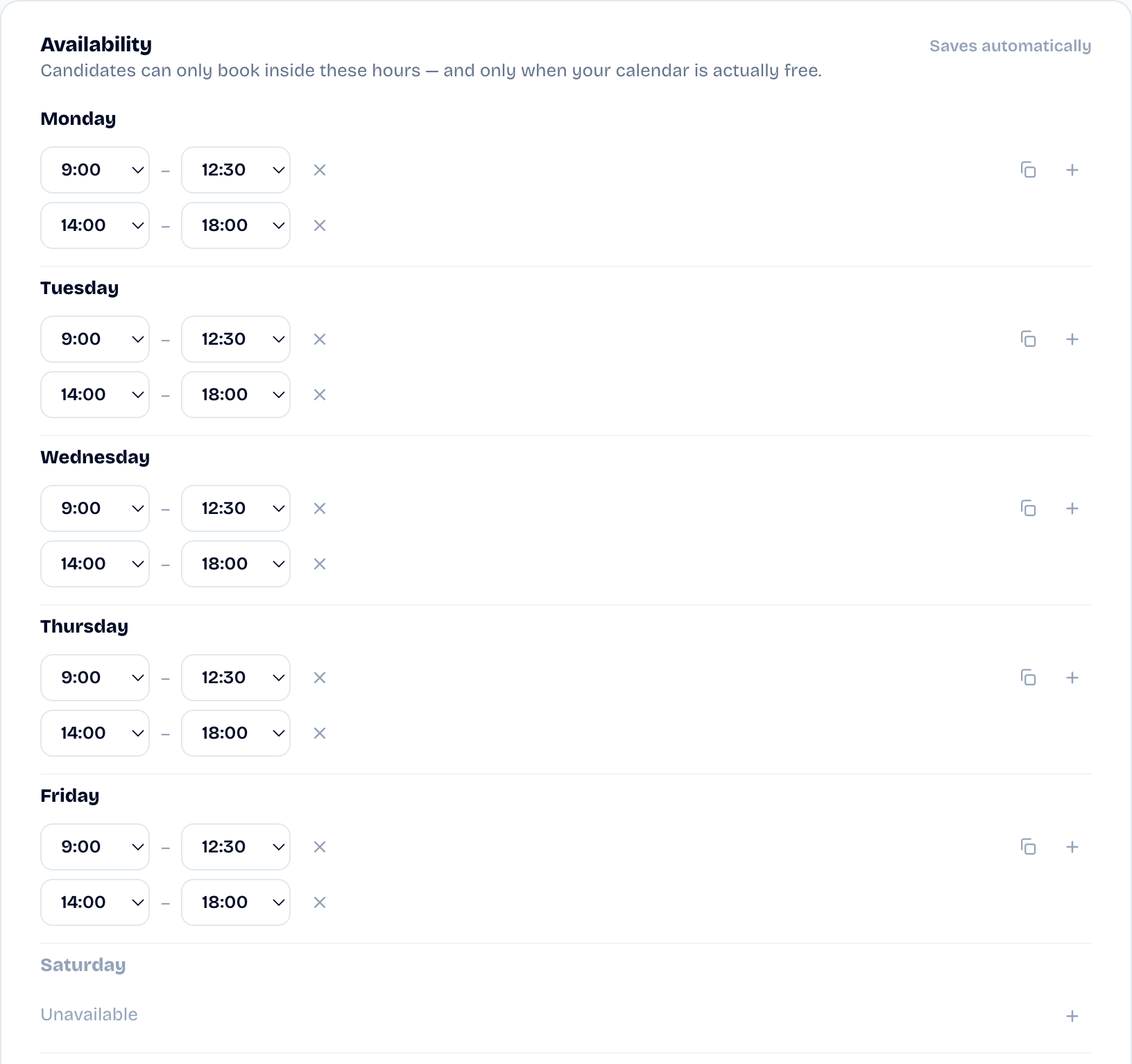
In Settings, Availability card. Each weekday carries its own
time ranges; a day with no range is a day with no interviews. These
rules frame every slot SyncHire offers on your links.
- Several ranges per day: add a morning range and an afternoon
one — the gap between them is your lunch break. - Copy to other days: set Monday once, then copy it across the
week. - Use a standard week: start from a classic week when everything
is empty, then adjust.
What are the buffer and the horizon for?
In the Meeting defaults card:
- The buffer keeps breathing room between meetings: a slot glued
to an existing event isn't offered. - How far ahead caps the booking horizon: beyond that number of
days, no slot is offered.
Did this article help?