Invite a hiring manager to connect their calendar
Why does the hiring manager connect their calendar?
Candidates only see slots where the hiring manager is actually
free, read live from their calendar. So the hiring manager connects
their calendar once.
How do I invite a hiring manager?
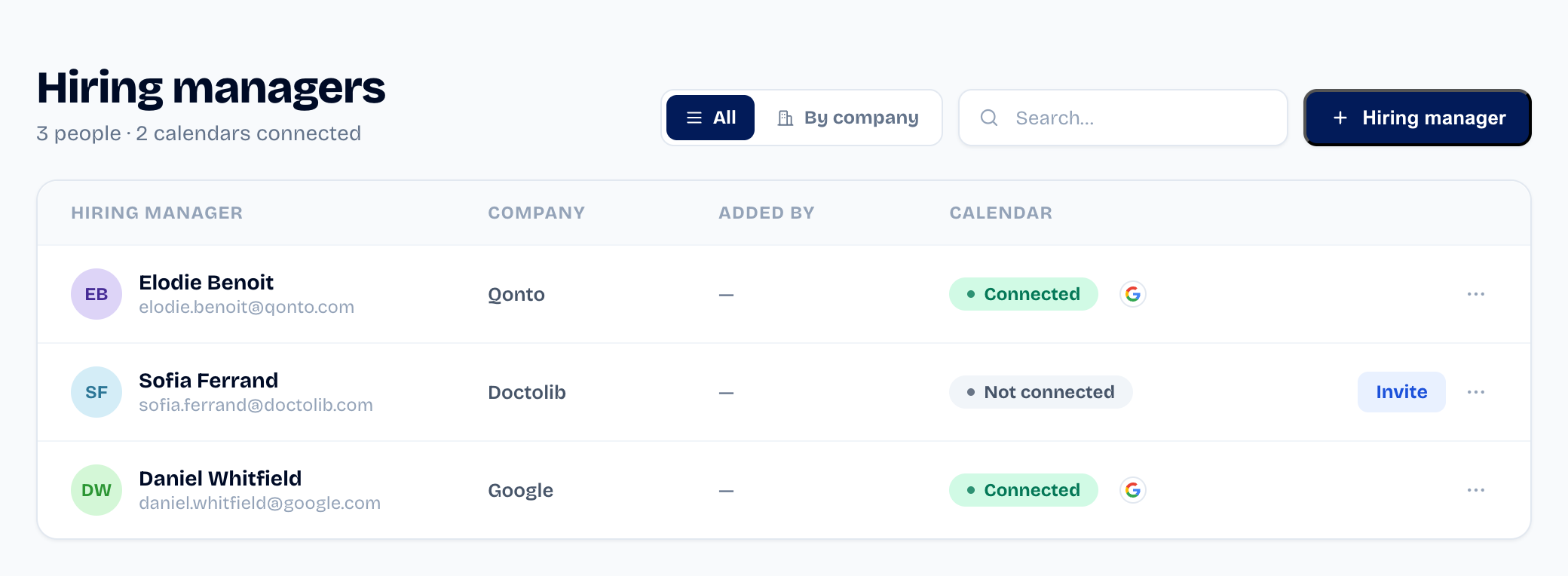
- Create the hiring manager under Hiring managers.
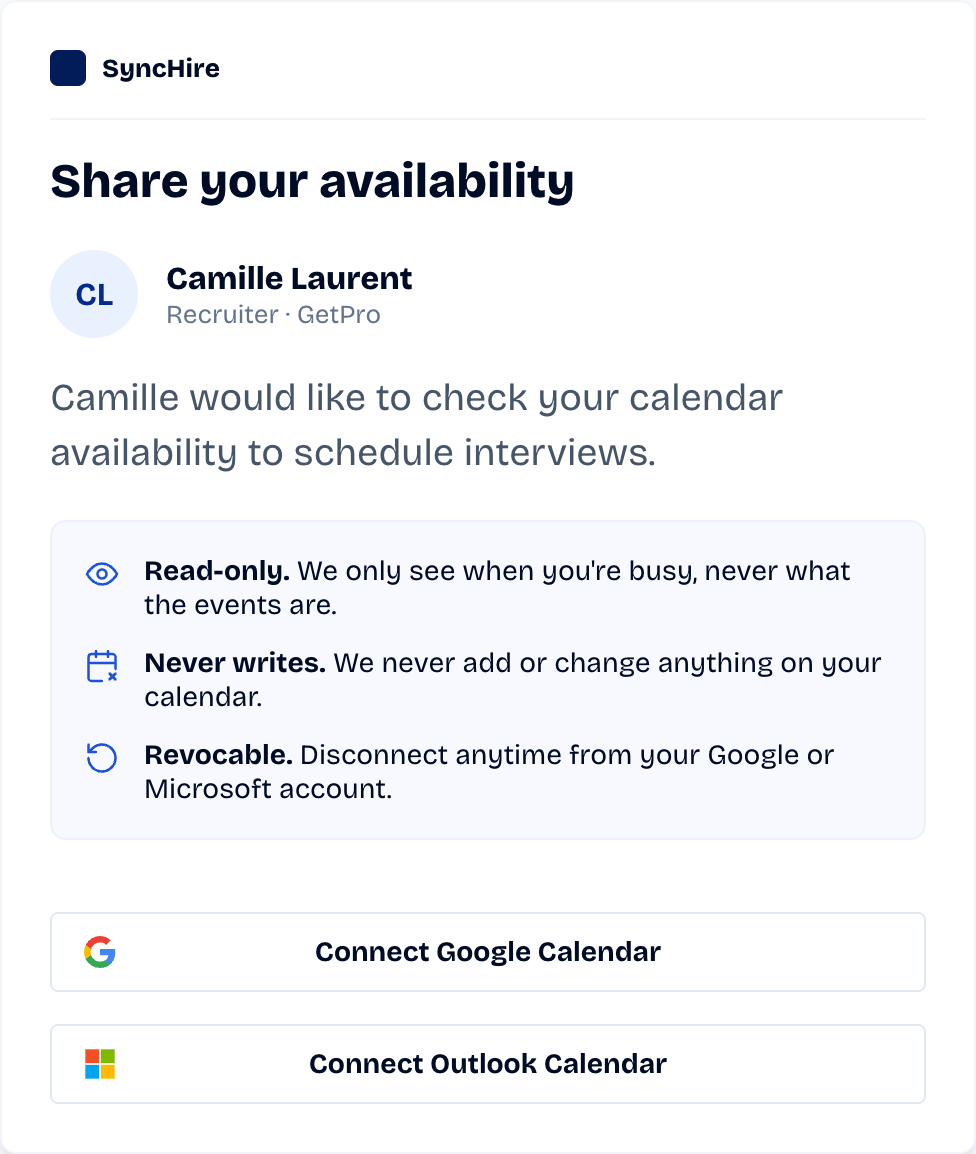
- Click Send invite: they receive an email with a connect link
(Google or Microsoft). - Their status flips to Connected once they accept.
Is the calendar access read-only?
Yes. The requested access is read-only, limited to free/busy.
SyncHire never reads their event details and never writes to their
calendar.
Did this article help?