Connect your calendar (Google or Microsoft)
Why connect your calendar?
SyncHire creates the interview event (with a Google Meet or Microsoft
Teams link) on your calendar when a candidate books.
How do I connect my calendar?
In three steps, from your settings:
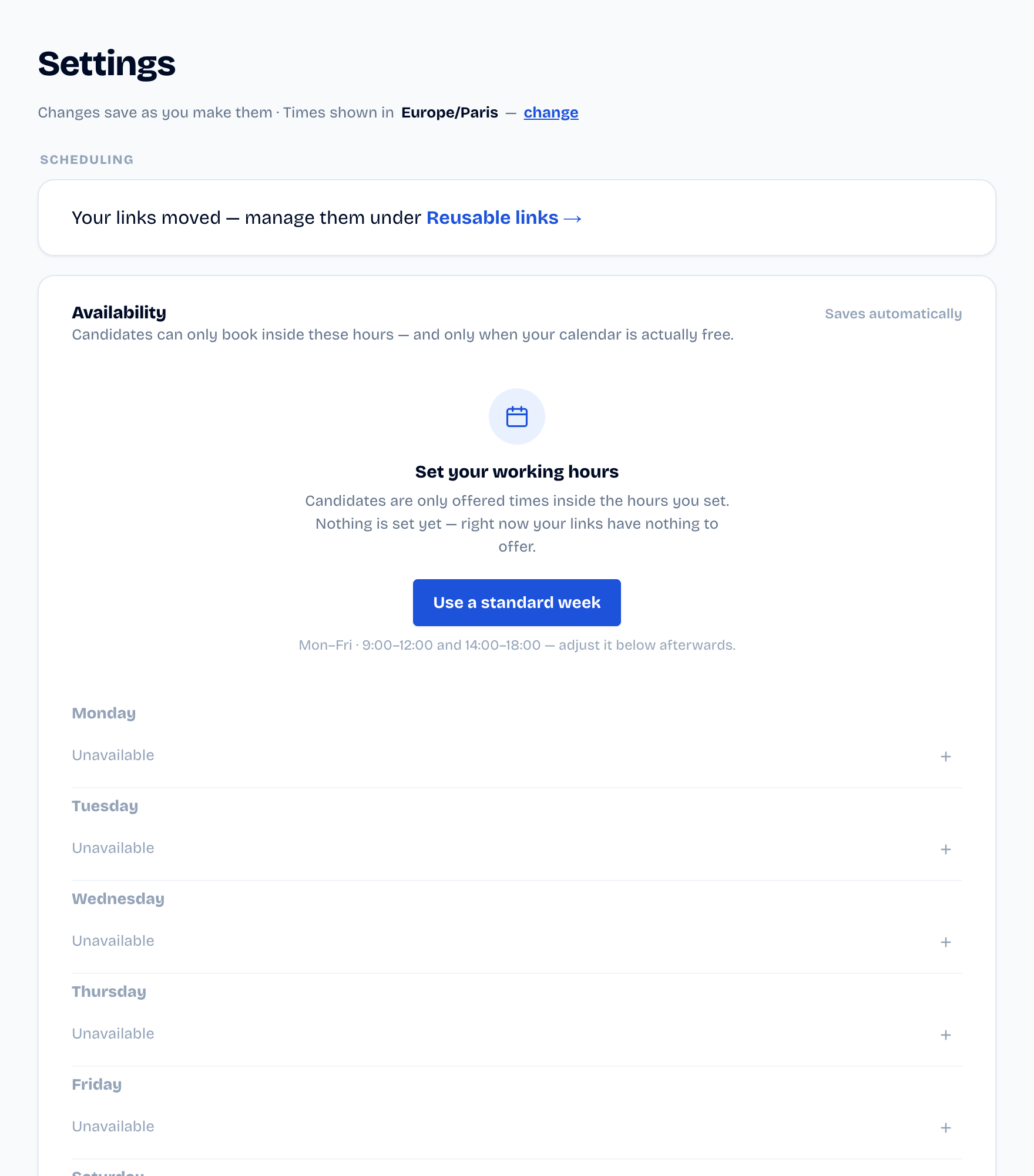
- Open Settings.
- Click Connect Google Calendar or Connect Outlook.
- Accept the requested access on the provider screen.
Your mailbox is never read: SyncHire only writes calendar events.
Did this article help?